

How to Play
Finger Controls
You can control your character by tapping the screen.
Face Controls
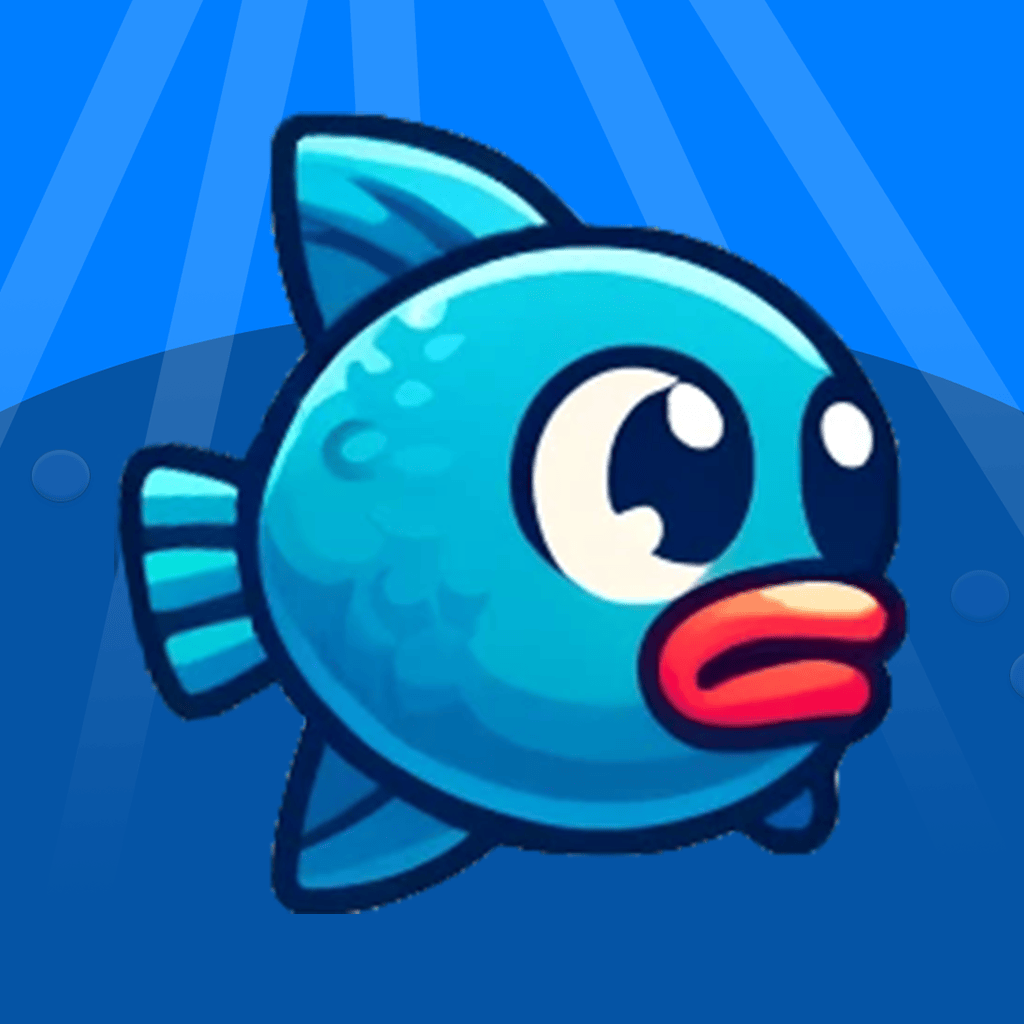
You can also play using your face! In Blinky Run, use your mouth or a long blink. In Aqua Escape, open your mouth to swim up. Follow the in-game instructions to enable face controls and enjoy a hands-free gaming experience.
Troubleshooting
Common Issues
- Face Controls Not Working Properly: Make sure your device’s camera is working and has proper lighting. Poor lighting may affect the ability of the camera to detect your face. Also make sure your device is facing your face.
- Game Lag or Freezing: Ensure no other heavy apps are running in the background.
- Adverts Appearing Too Often: Ads help keep the game free. We try to balance the number of ads, but if you feel it’s too much, feel free to send us feedback!
Ads & in-app purchases
Both games are free to play and offer optional in-app purchases through Apple’s App Store and Google Play. Blinky Run offers “No ads”, “Color pack” and “Complete pack”; Aqua Escape offers “No ads”, “Skin pack” and “Complete pack”. Buying “No ads” or “Complete pack” disables ads. Purchases are processed by Apple on iPhone and iPad, and by Google Play on Android. See the privacy policy for more information.
Contact
If you need further assistance or have any feedback, you can reach us at:
- Email: dylan@absil.io
We appreciate your feedback and are here to help!